In the previous article I mentioned a new project that we had to build for a bilingual medical conference. Well, we did it. The conference is now over, so I want to share how it went.
The promise
To give a bit of context, back in August we decided to build a solution to a pretty simple problem: how can we make in-person events more inclusive and accessible?
The requirement was simple. We needed to provide captions and optionally translations for Polish attendees who might need some help understanding English-speaking presenters during the conference.
What we built
During those couple of months, we were building Stage Captions. It’s a live captioning software for in-person events.
The idea is simple:
- Route audio from venue microphones
- Create captions + translations
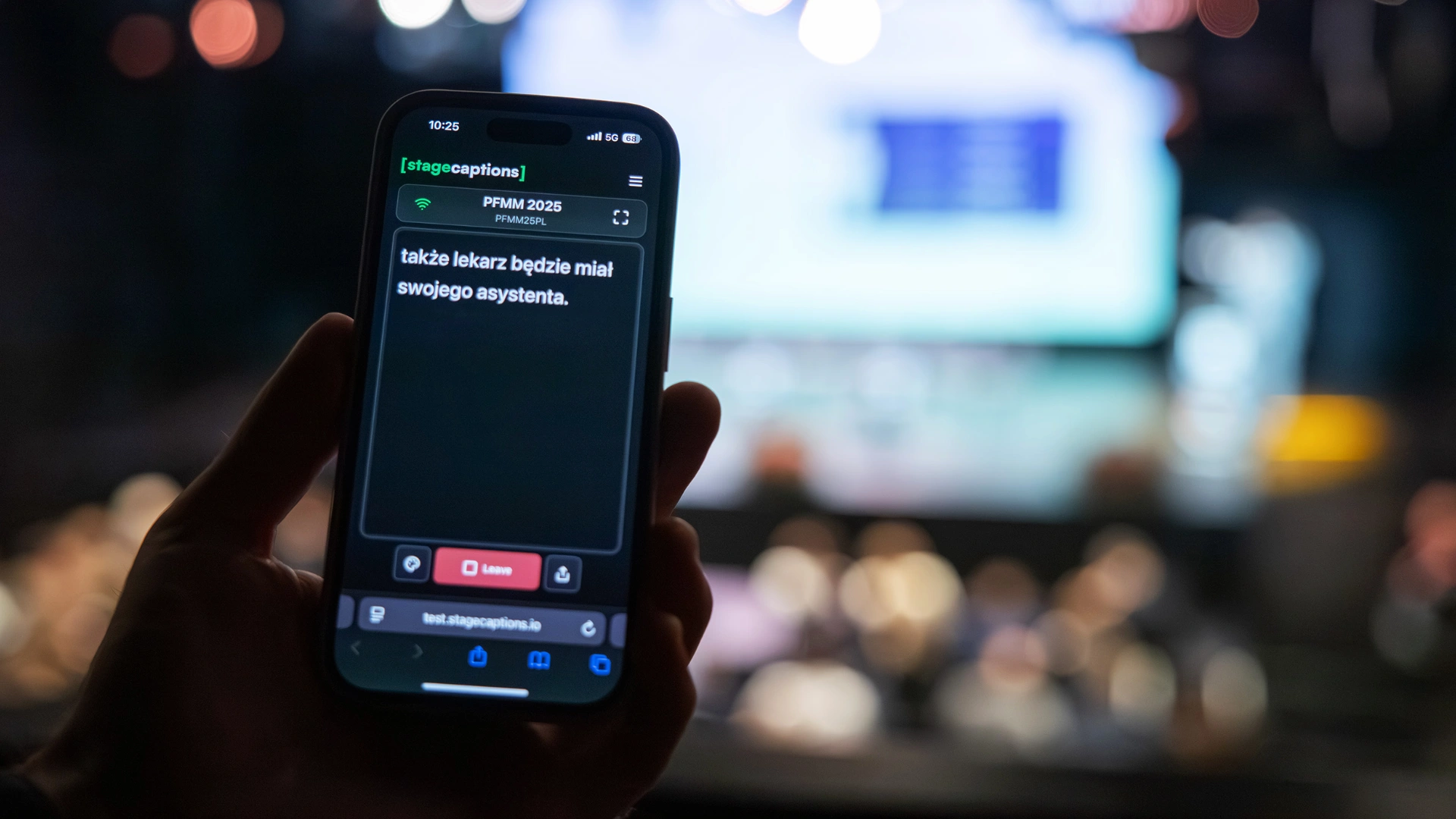
- Display them on venue screens/TVs/LED panels or personal devices
No room for technical issues
While we were developing our MVP, the technical organiser reminded us about one important aspect - there were going to be some serious guests and representatives from:
- Senate of the Republic of Poland
- Ministry of Health of the Republic of Lithuania
- Embassy of Poland in Lithuania
So yeah, it was kinda a big deal and there wasn’t much room for any technical issues. Totally fair, but quite an ask for a project that was only a couple months old.
Because of that, we decided to change the original plan. Instead of putting captions directly on the stage screens, we showed a QR code. People who actually needed captions could open them on their phones. That way any issues wouldn’t be visible on stage. Also the media was there, so that felt like a safer option.
Setting it up
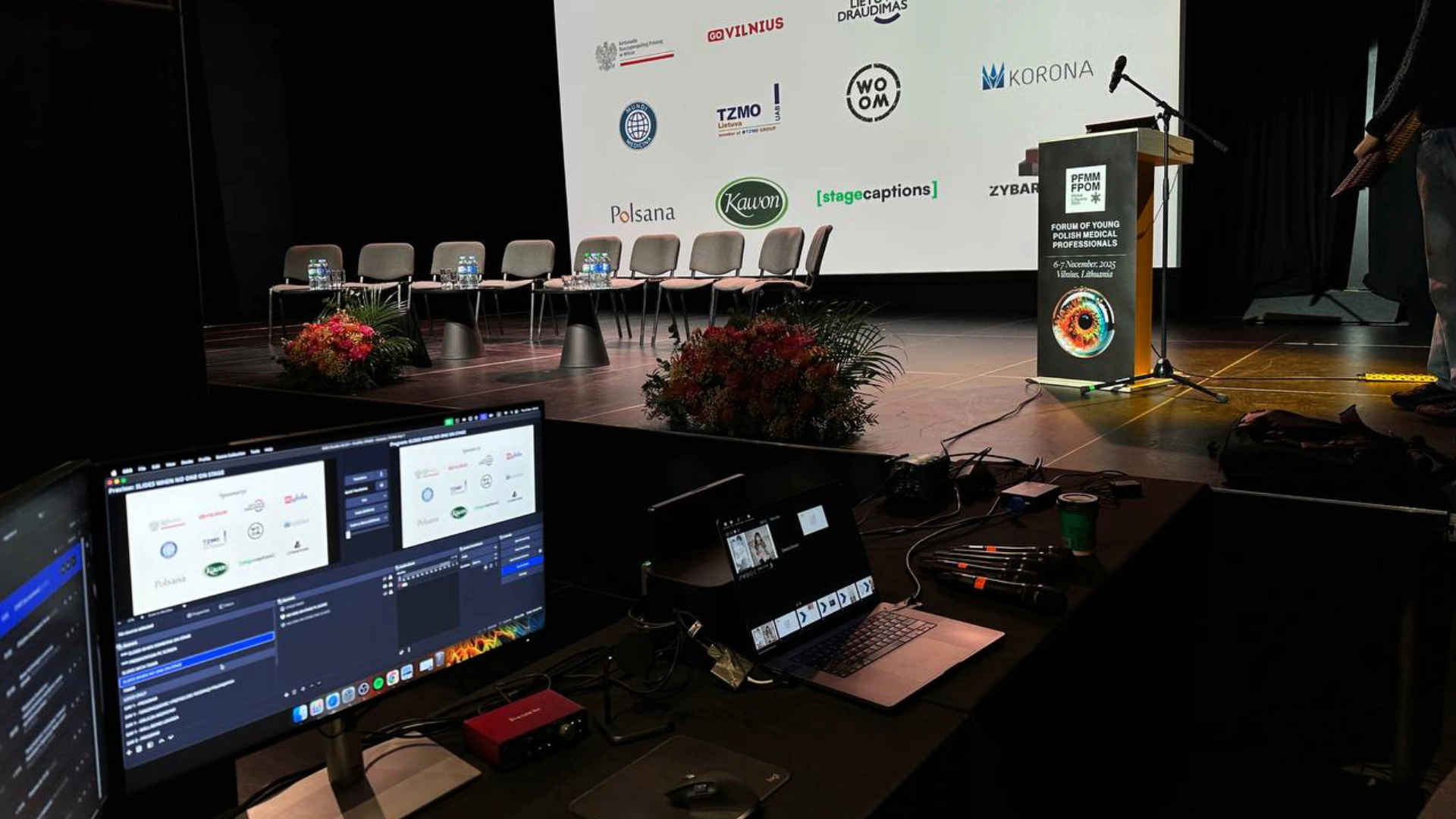
On the day of the event, we arrived with our own audio interface. It was Focusrite Scarlett Solo.
The plan was to ask AV engineers to route the microphone output from the mixer into our audio interface, which was connected to the laptop. It worked exceptionally well.
Going live
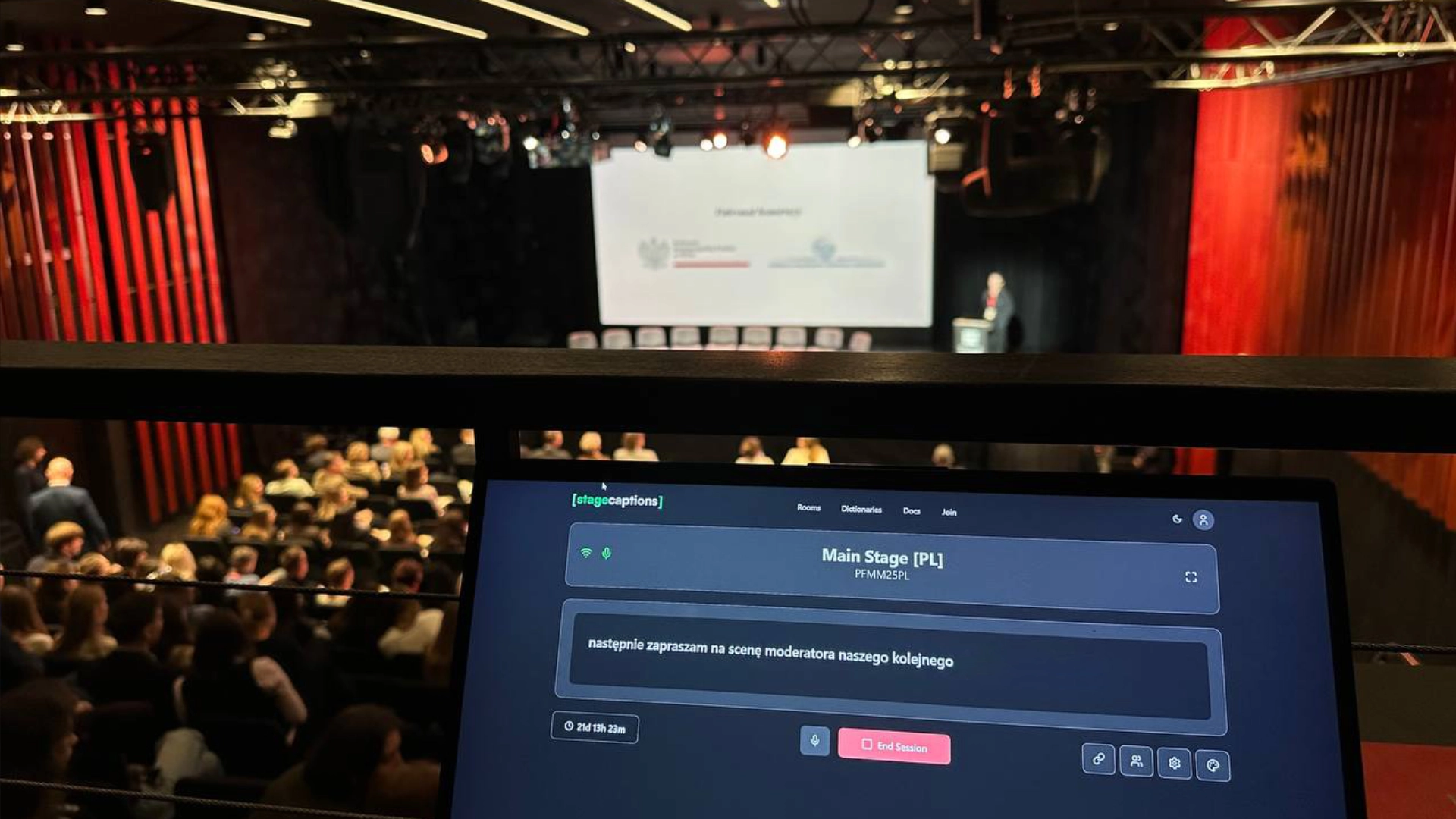
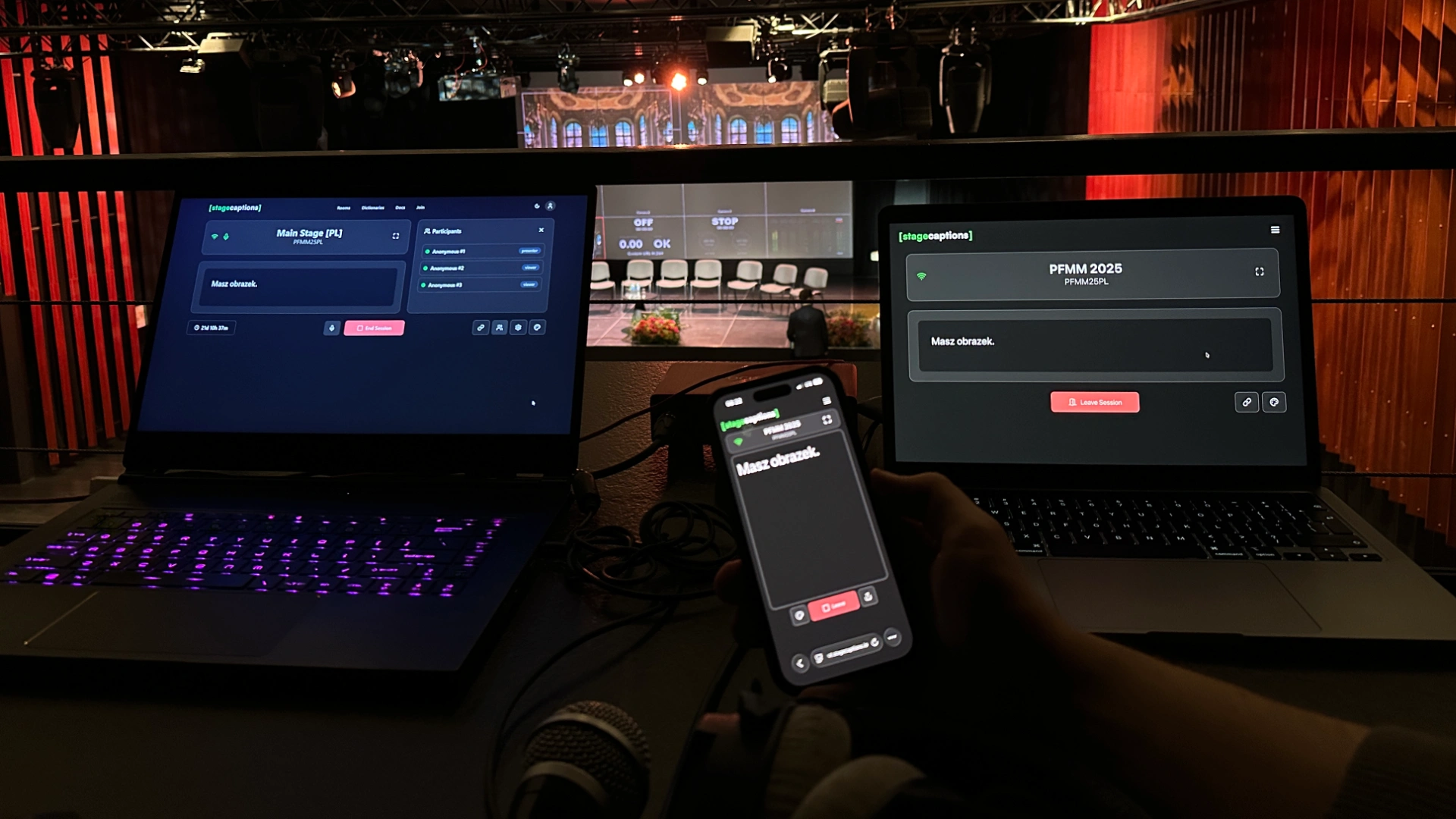
The event started - so did the captions. Martin and I had a dedicated place where we could monitor and make sure it was working. Every time the QR code was shown on the main screen, we scanned it just to double check that captions were visible.
Feedback
During our setup, coffee breaks, lunch and other random moments, we heard a lot of feedback from both technicians and attendees.
Technicians were happy with how easy it was to set up: audio interface, laptop and browser.
The attendees were surprised by the speed and accuracy of the captions.
By the way, that worked especially well on smoke breaks. People could leave the venue, keep captions open on their phones and actually follow what was being presented on stage.
Reflections
In general everything worked out as planned. Main outcomes were:
- We got feedback from AV engineers, so we knew what to build next
- We got positive feedback from organisers and attendees, so we saw some potential beyond this one conference
- We had a chance to run a longer captioning session (around 8 hours) and noticed a few areas for improvement
What’s next
After this experience, we’re definitely moving forward with this project.
It worked in a real venue, people used it and feedback was great. Now we need to figure out how to turn it into something bigger.
We believe that accessibility through captioning/interpretation during in-person events shouldn’t be difficult to set up or use.